One sheet,
every document,
every section.
Connect builds a single bookmarked PDF per client per year. The first-pass review aid that organizes every document your client sent in, flags what's missing, and lets your reviewer start the engagement with a complete picture.
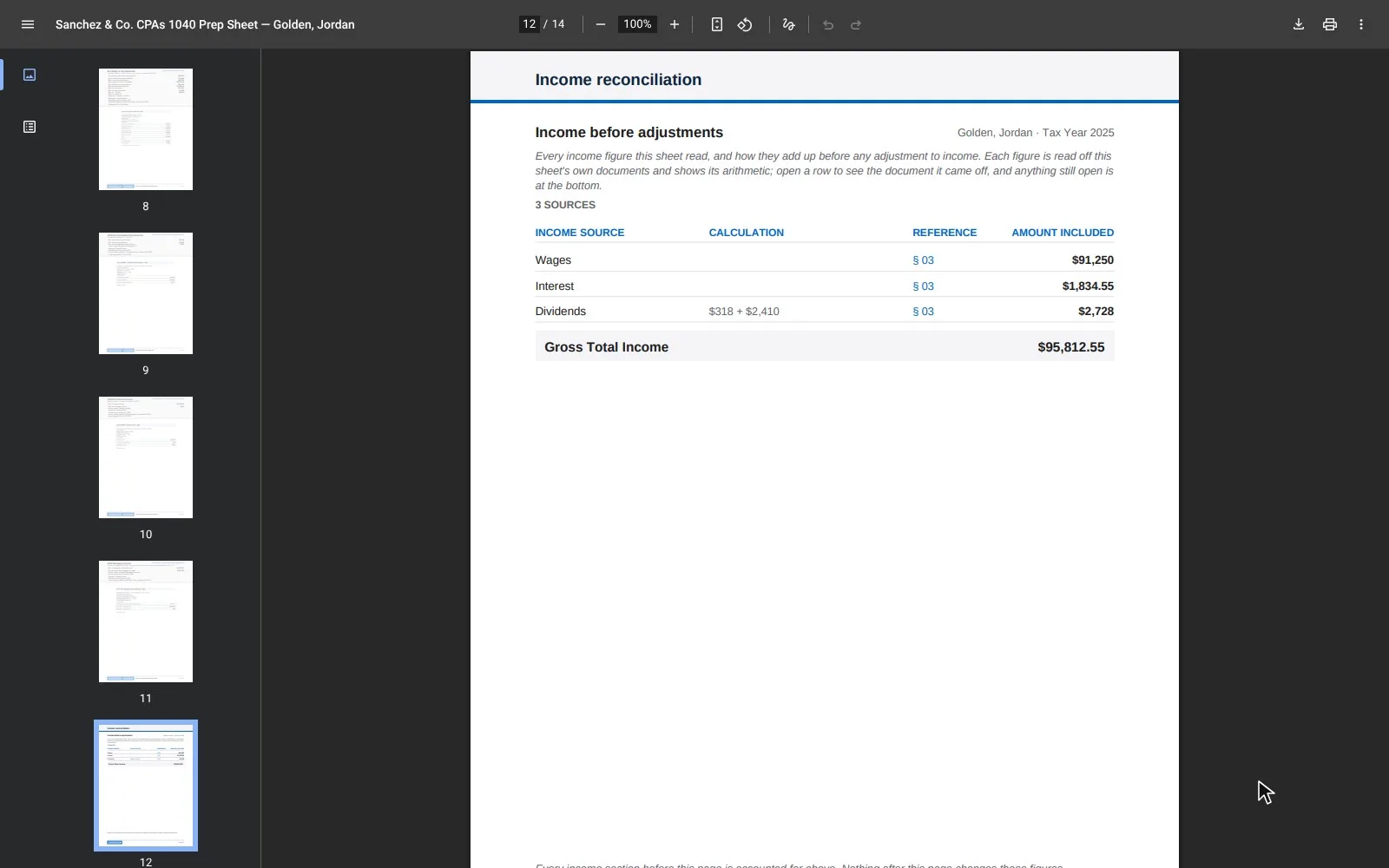
Four kinds of pages, in one PDF.
The cover and the contents pages give the engagement partner the whole picture at a glance. The dividers and the source documents give the reviewer everything needed for the first-pass review, in one bookmarked file.
Cover
The client, the year, the filing status, the count of documents received vs. open. The one page you can put in front of a partner without further explanation.
Contents
One row per section in play for this client, with the section's first physical page number. Click in a PDF reader or print to use as a tab guide.
Section dividers
One per active section (Personal, Income, Investments, Self-employment, Real estate, and so on). Each lists every received document with headline values, and every needed document with the NEEDED badge.
Source documents
Every original page of every received document, embedded verbatim after its divider, with a footer line that tells you which section and which document each page belongs to.
Organized the way reviewers read returns.
Personal first. Then income, then deductions, then credits, then state-specific items. A K-1 is in the partnerships section. A 1099-INT is under Interest. A photo ID for e-file is under Personal. Every document lands where you would look for it during your first-pass review.
Walk through the structure page by page in the prep sheet tour.
On your workstation. Where you'd expect.
The PDF is written next to your source documents, named after the client and the tax year. Open it for your first-pass review, send it to the engagement partner, print it for the working file. It's a regular PDF; we don't wrap it in a portal you have to log into.